


Alongside good web design, it is also essential to optimise websites, ensure they offer an ideal user experience and provide relevant information.
Whether you run a business, e-commerce, blog and/or software as a service (SaaS) website, completing a detailed SEO checklist can enable you to analyse and enhance your site so that it becomes more easily found, and in turn increases natural website traffic.
Below, I will highlight 10 key areas of website optimisation which can be used to further strengthen your digital profile.
1. Page Title and Meta Description
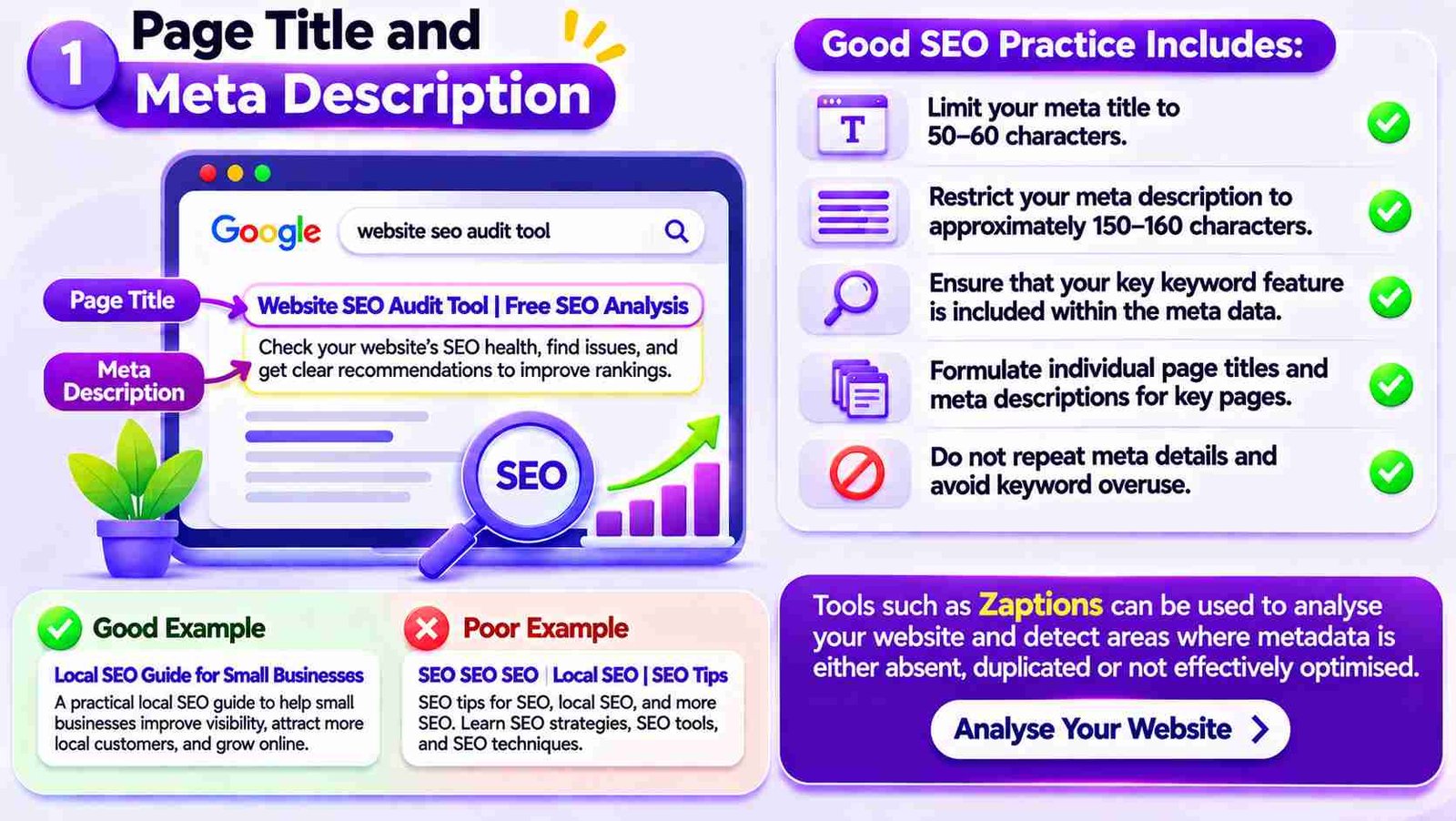
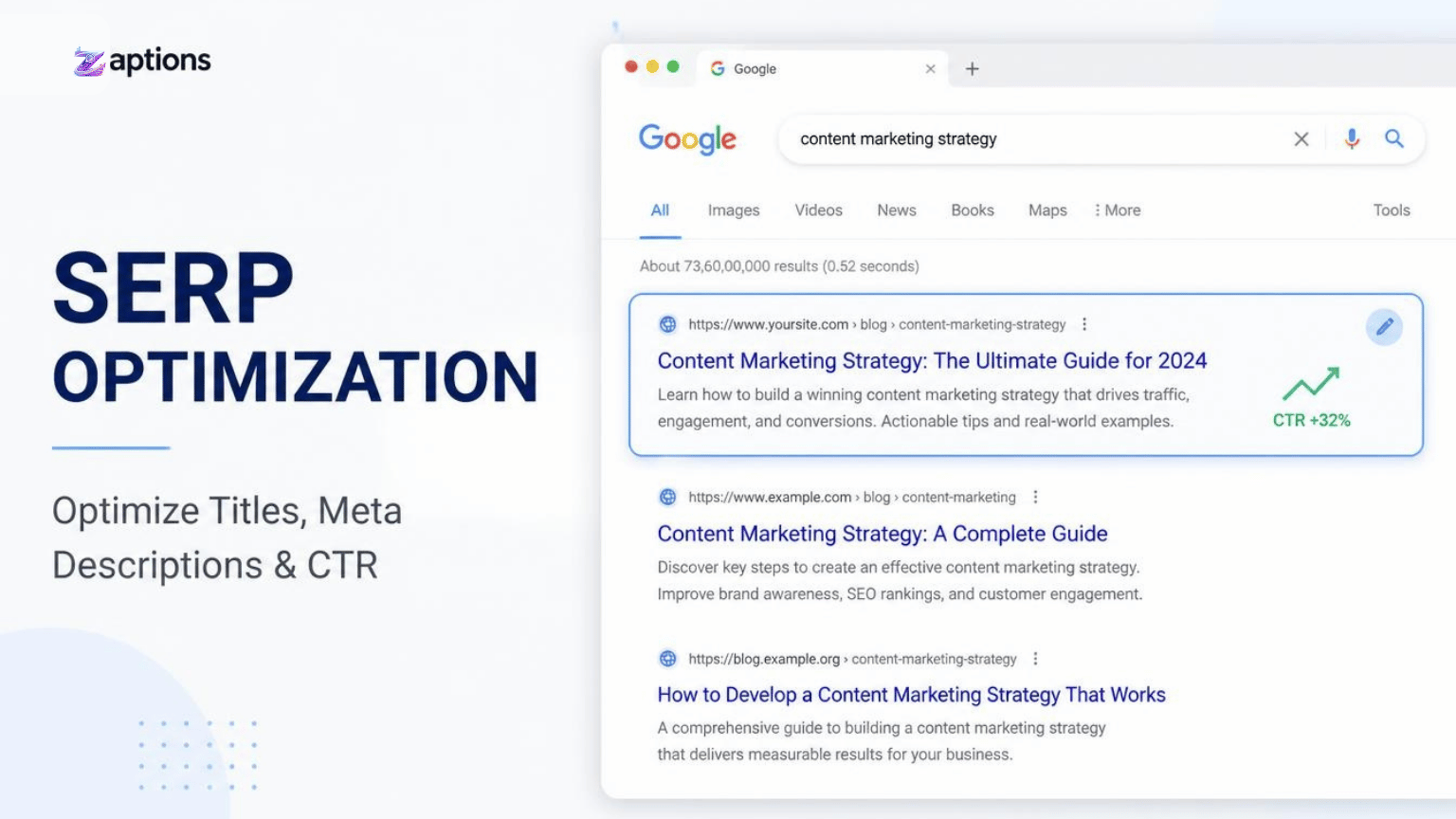
Page titles and meta descriptions are highly significant on-page SEO features. They explain the nature of a website’s page and aim to entice people to click through to your site from a search engine results page.
Your page title should accurately reflect the subject of the page. Meanwhile, a meta description should give an engaging overview of its content.
Good SEO practice includes:
- Limiting your meta title to 50-60 characters.
- Restricting your meta description to approximately 150-160 characters.
- Ensure that your key keyword feature is included within the meta data.
- Formulate individual page titles and meta descriptions for key pages.
- Do not repeat meta details and avoid keyword overuse.
Tools such as Zaptions can be used to analyse your website and detect areas where metadata is either absent, duplicated or not effectively optimised.
2. Improve Website Loading Speed
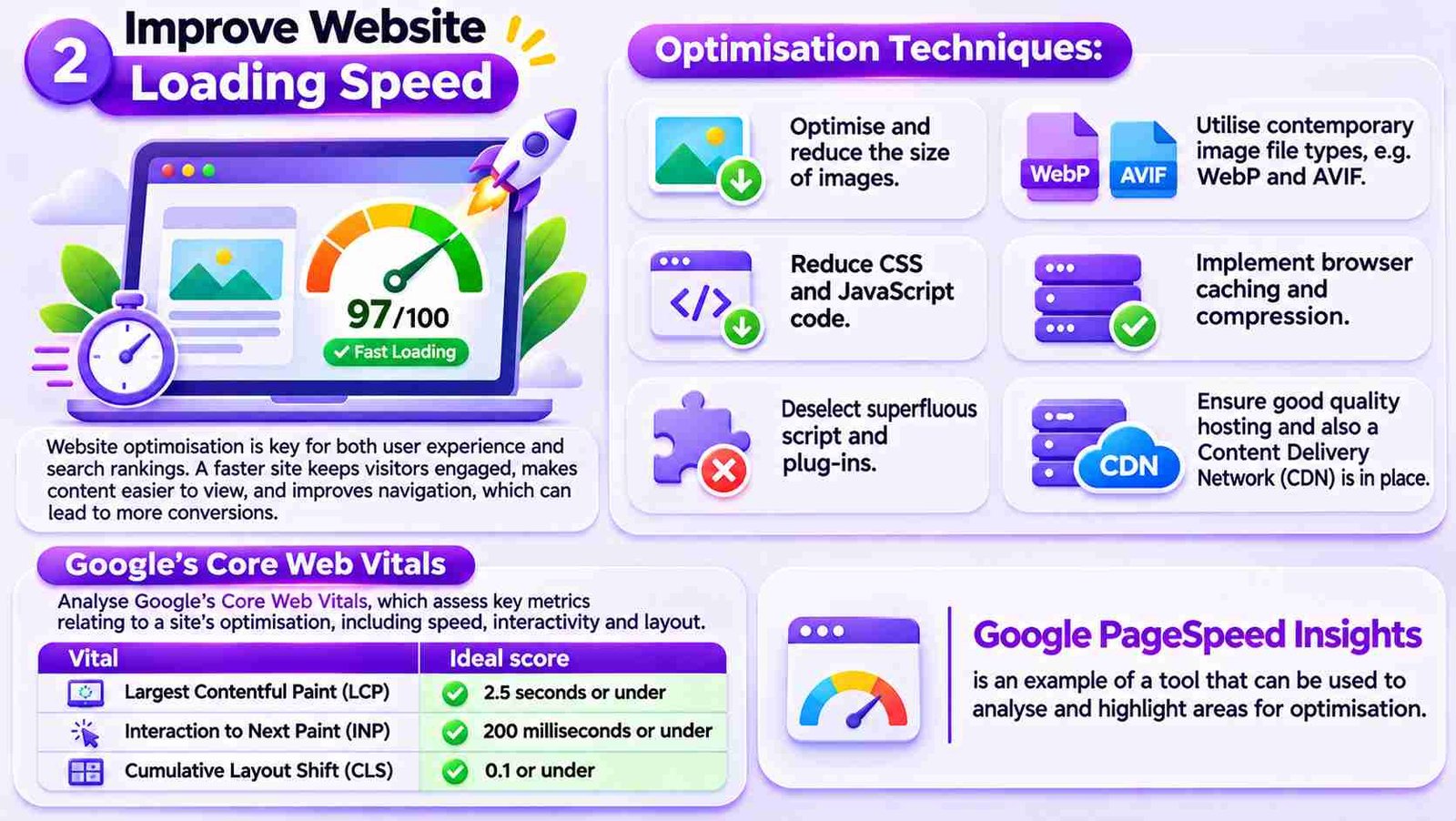
Website optimisation is key for both user experience and for search engine results. Visitors can become frustrated if a site takes too long to load, and this can also lead to people leaving the site and so losing potential conversions.
Optimising a site will also allow for more straightforward content viewing and site navigation.
Optimisation techniques:
- Optimise and reduce the size of images.
- Utilise contemporary image file types for example – WebP and AVIF.
- Reduce CSS and JavaScript code.
- Implement browser caching and compression.
- Deselect superfluous script and plug-ins.
- Ensure good quality hosting and also a Content Delivery Network (CDN) is in place.
Alongside this, you should analyse Google’s Core Web Vitals. These assess key metrics relating to a site’s optimisation, including speed, interactivity and layout.
Ideal web vitals are:
| Vital | Ideal score |
|---|---|
| Largest Contentful Paint (LCP) | 2.5 seconds or under |
| Interaction to Next Paint (INP) | 200 milliseconds or under |
| Cumulative Layout Shift (CLS) | 0.1 or under |
Google PageSpeed Insights is an example of a tool that can be used to analyse and highlight areas for optimisation.
3. Optimise for Mobile Devices
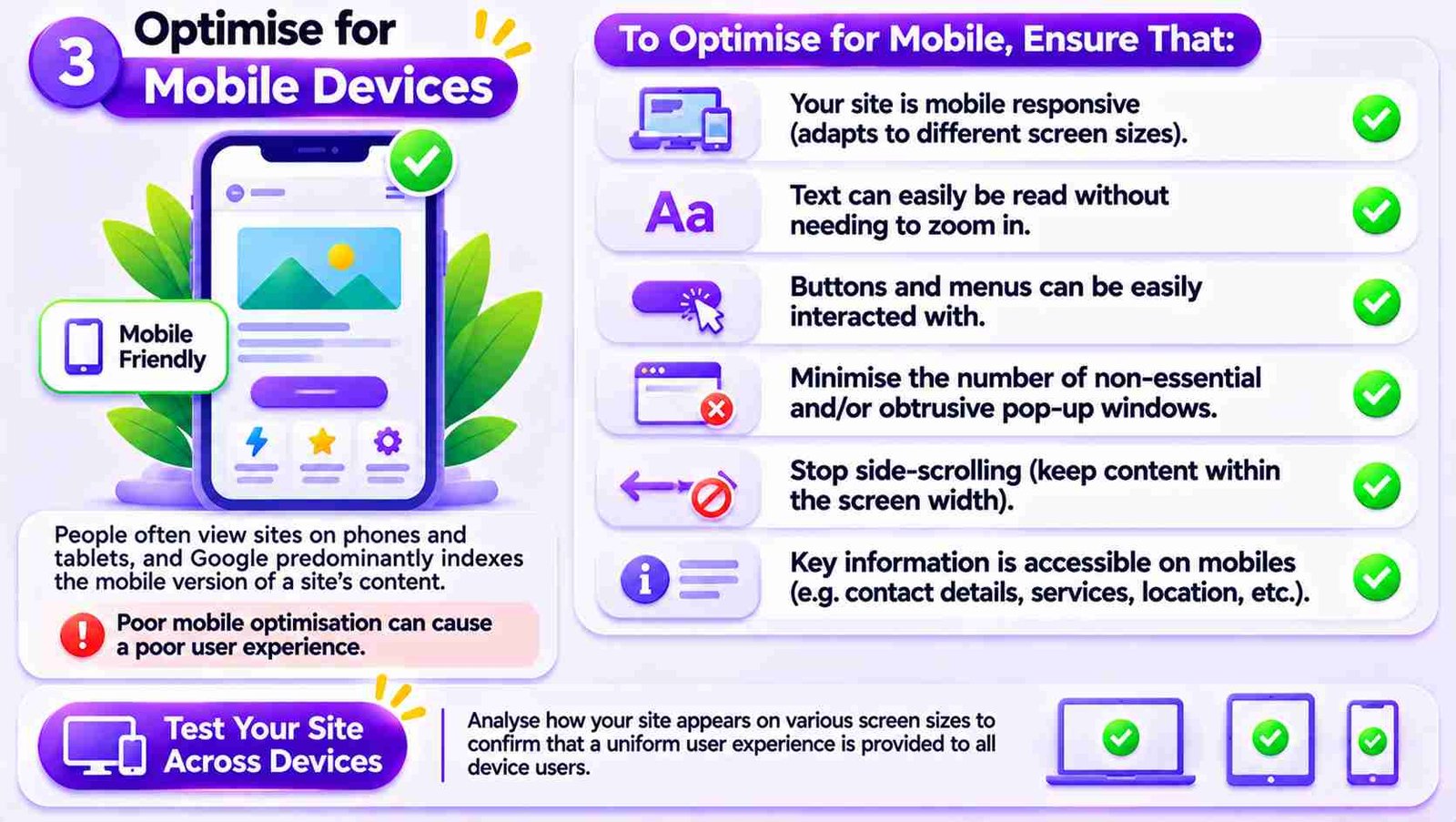
People often view sites on phones and tablets. Furthermore, Google predominantly indexes the mobile version of a site’s content.
Poor mobile optimisation can cause a poor user experience.
To optimise for mobile, ensure that:
- Your site is mobile responsive.
- Text can easily be read without needing to zoom in.
- Buttons and menus can be easily interacted with.
- Minimise the number of non-essential and/or obtrusive pop-up windows.
- Stop side-scrolling.
- Key information is accessible on mobiles.
Analyse how your site appears on various screen sizes to confirm that a uniform user experience is provided to all device users.
4. Establish Effective Headings
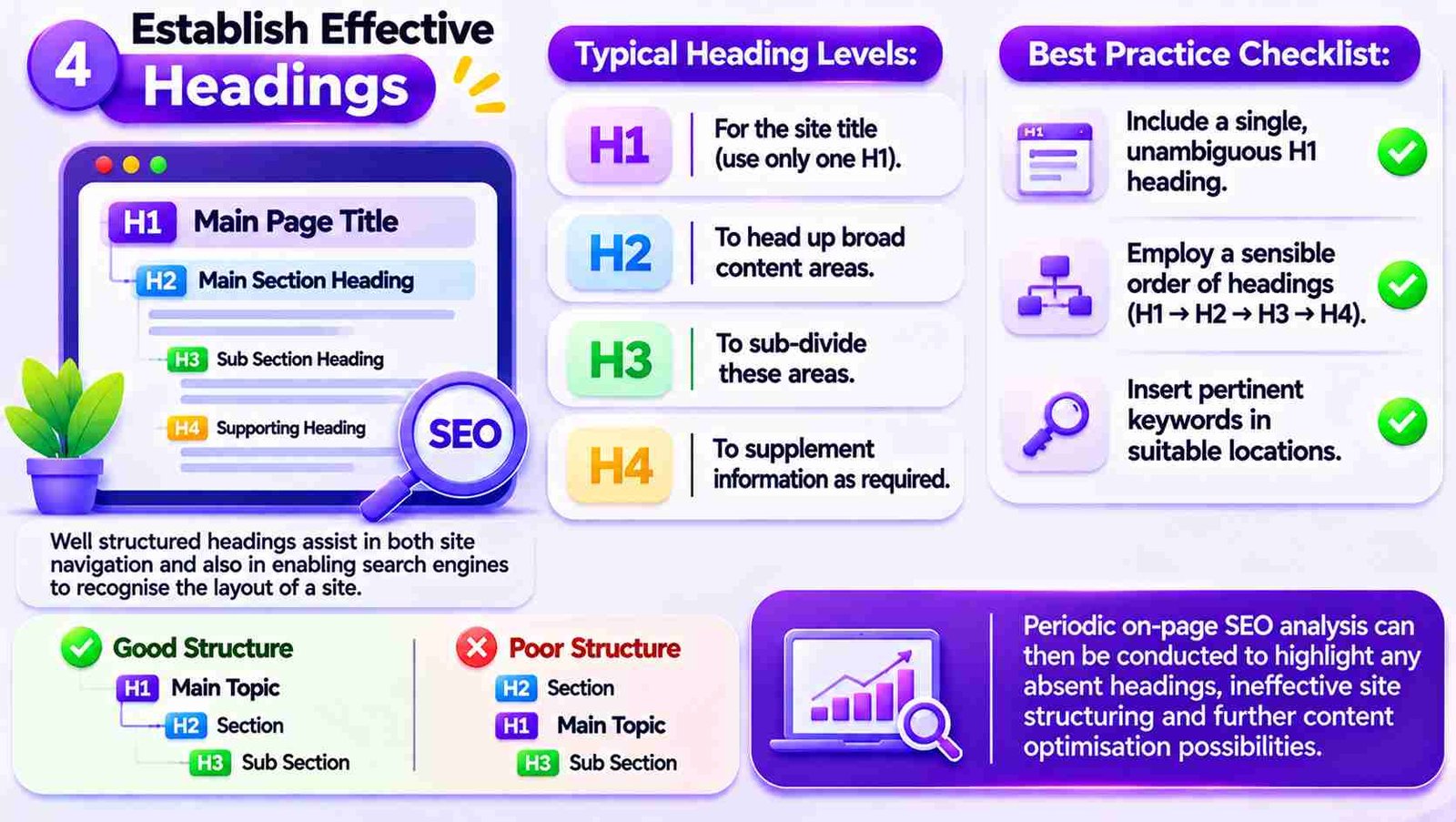
Well structured headings assist in both site navigation and also in enabling search engines to recognise the layout of a site.
Whilst headings can be utilised for design purposes, they should mainly serve an informational function and segment content accordingly.
Typical heading levels are:
- H1 – For the site title.
- H2 – To head up broad content areas.
- H3 – To sub-divide these areas.
- H4 – To supplement information as required.
Include a single unambiguous H1 heading. Employ a sensible order of headings and insert pertinent keywords in suitable locations.
Periodic on-page SEO analysis can then be conducted to highlight any absent headings, ineffective site structuring and further content optimisation possibilities.
5. Find and Fix Broken Links
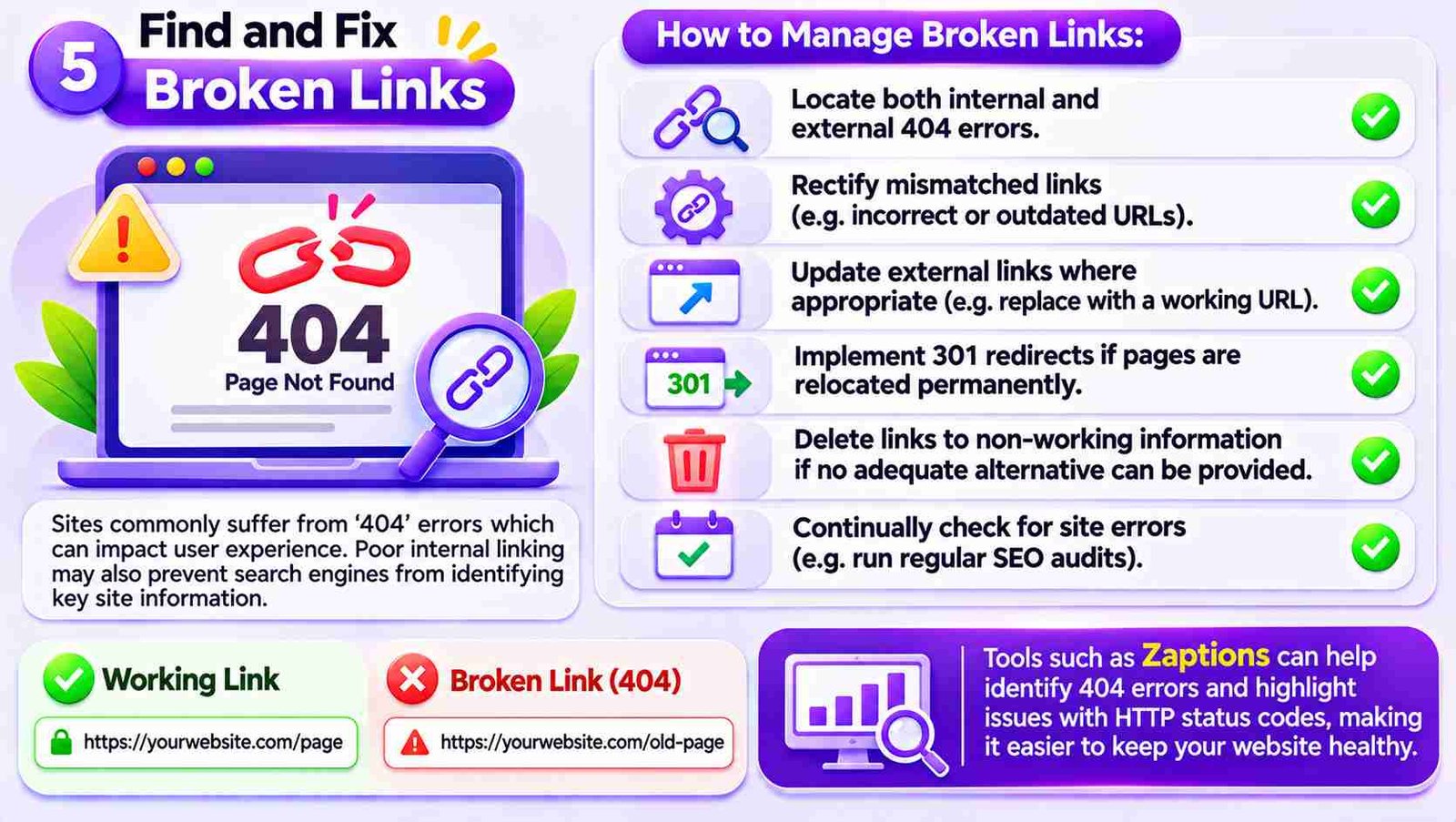
Sites commonly suffer from ‘404’ errors which can impact user experience.
People can become disheartened if they attempt to follow a link and it does not work. Poor internal linking may additionally prevent search engines from identifying key site information.
How to manage broken links:
- Locate both internal and external 404 errors.
- Rectify mismatched links.
- Update external links where appropriate.
- Implement 301 redirects if pages are relocated permanently.
- Delete links to non-working information if no adequate alternative can be provided.
- Continually check for site errors.
There are various free SEO analysis tools (such as Zaptions) available, which can assist in identifying 404 errors and also highlight issues relating to HTTP status codes. This in turn can facilitate the more straightforward upkeep of a website.
6. Keyword optimisation
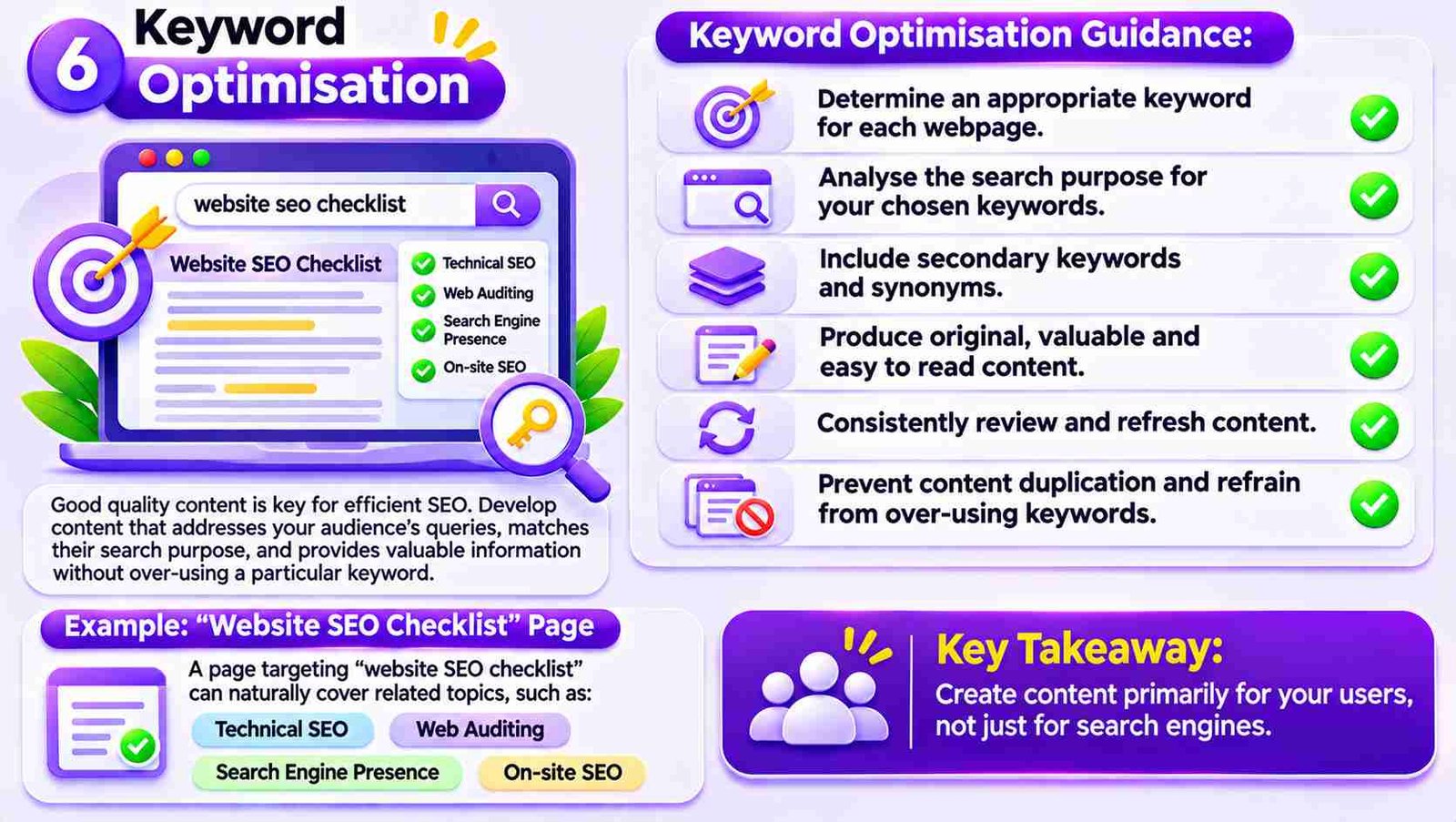
Good quality content is key for efficient SEO. Search engines endeavour to supply users with valuable, pertinent and trustworthy information.
Whilst you should not over-use a particular keyword, you should develop content to address the queries of your audience and match their search purpose.
Keyword optimisation guidance:
- Determine an appropriate keyword for each webpage.
- Analyse the search purpose for your chosen keywords.
- Include secondary keywords and synonyms.
- Produce original, valuable and easy to read content.
- Consistently review and refresh content.
- Prevent content duplication and refrain from over-using keywords.
For instance, a page concerning a ‘website SEO checklist’ can naturally expand upon topics including technical SEO, web auditing, search engine presence and on-site SEO, without over-using the main keyword.
Bear in mind that content should primarily be developed with users in mind, not just search engines.
7. Image Optimisation and ALT Text
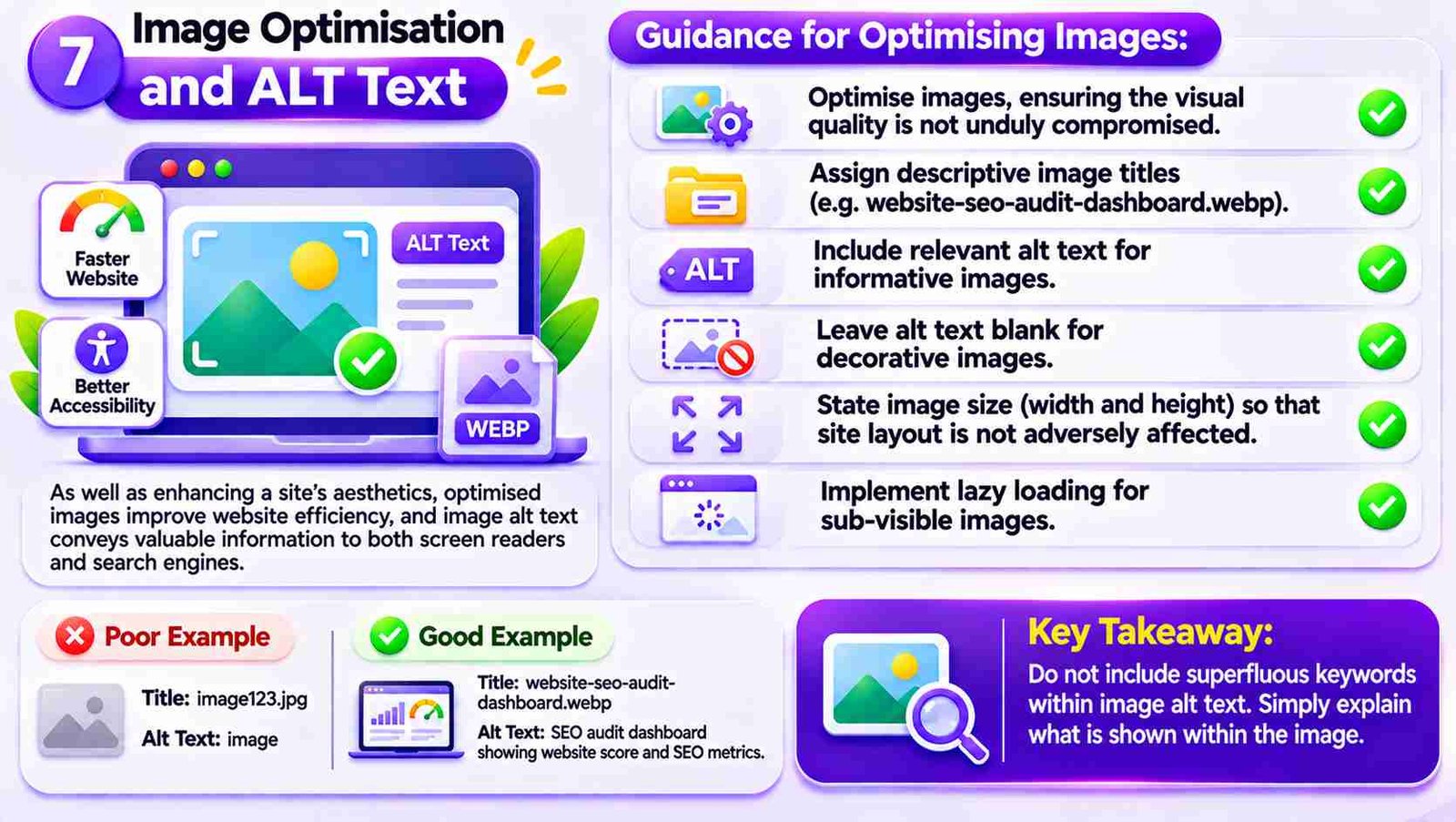
As well as enhancing a site’s aesthetics, images can also slow a website down if not optimised correctly and can present accessibility challenges.
Optimising images therefore enhances website efficiency. Furthermore, image alt text can convey valuable information to both screen readers and search engines.
Guidance for optimising images:
- Optimise images, ensuring the visual quality is not unduly compromised.
- Assign descriptive image titles.
- Include relevant alt text for informative images.
- Leave alt text blank for decorative images.
- State image size so that site layout is not adversely affected.
- Implement lazy loading for sub-visible images.
Rather than using a non-descriptive image title – for example, ‘image123.jpg’ – adopt a more meaningful title for an image, such as ‘website-seo-audit-dashboard.webp’.
Do not include superfluous keywords within image alt text. Simply explain what is shown within the image.
8. Develop an effective internal linking system
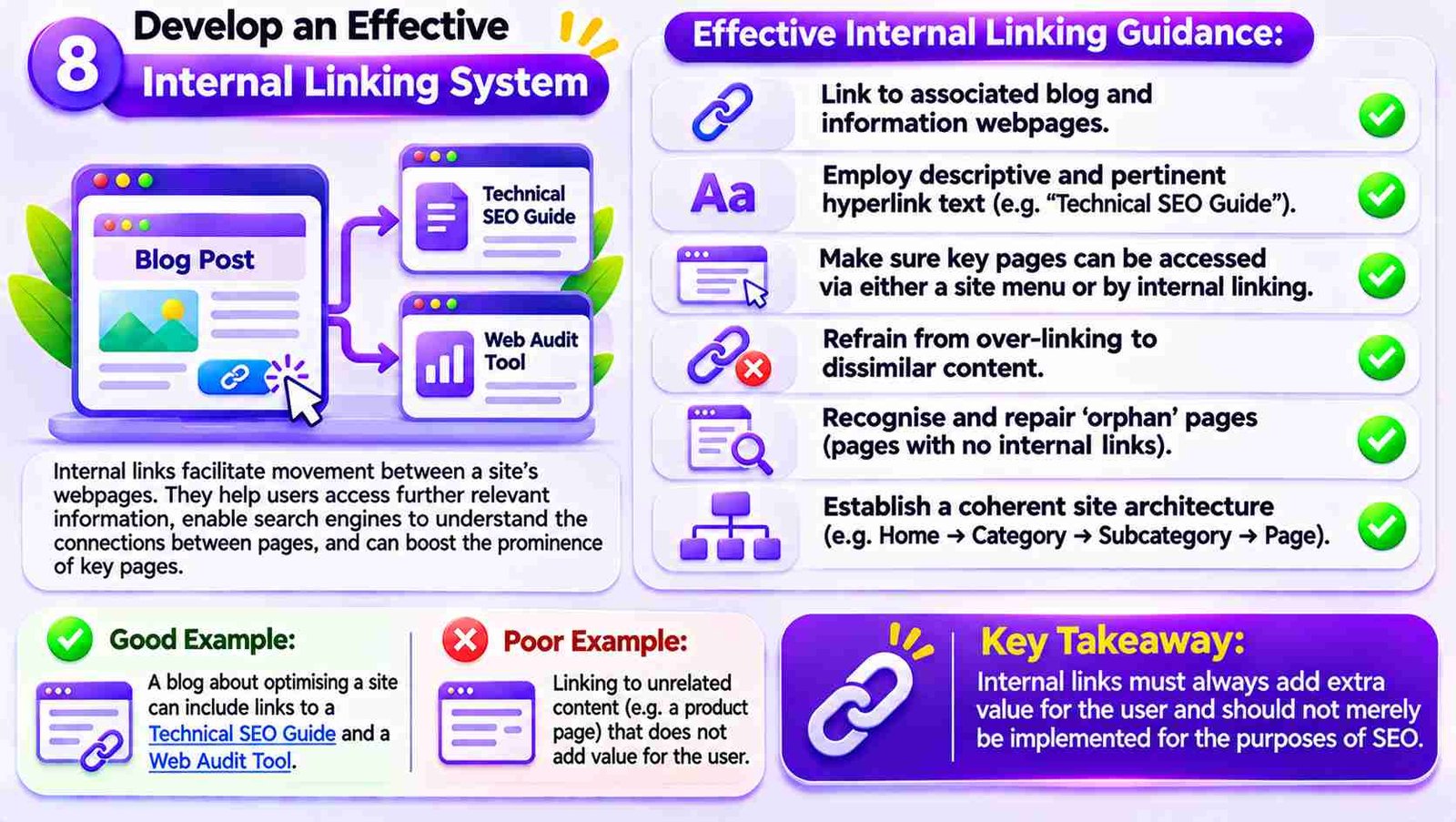
Internal links facilitate movement between a site’s webpages. They enable users to access further relevant information and also enable search engines to recognise and comprehend the connections between webpages.
A coherent internal linking system can furthermore assist in boosting the prominence of key pages.
Effective internal linking guidance:
- Link to associated blog and information webpages.
- Employ descriptive and pertinent hyperlink text.
- Make sure key pages can be accessed via either a site menu or by internal linking.
- Refrain from over-linking to dissimilar content.
- Recognise and repair ‘orphan’ pages.
- Establish a coherent site architecture.
For example, a blog providing advice on optimising a site could include links to an associated technical SEO guide and/or a web audit tool.
Internal links must always add extra value for the user and should not merely be implemented for the purposes of SEO.
9. Improve Website Crawlability and Indexability
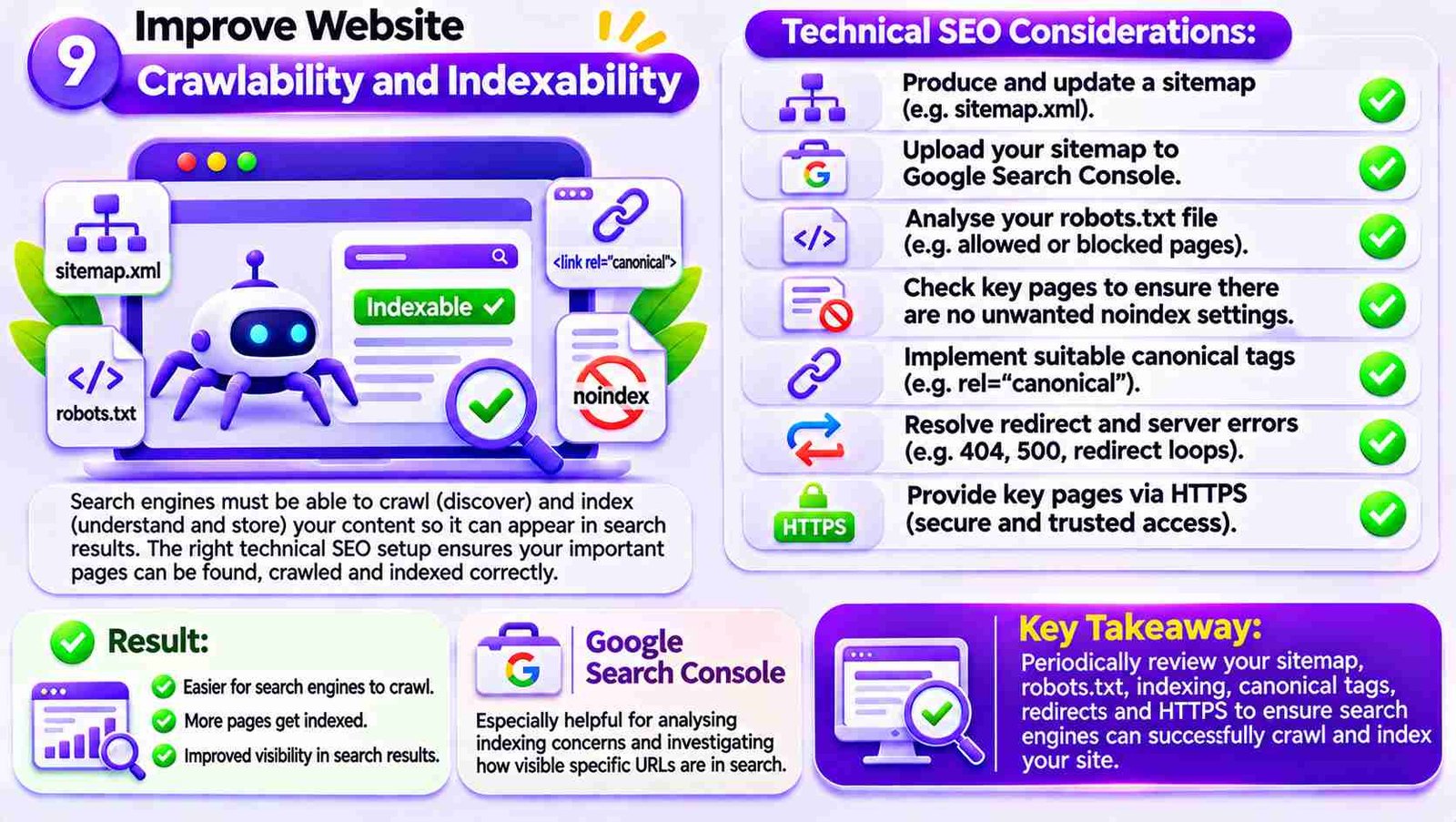
As well as searching a site, search engines must be able to comprehend its content so that it can be shown in results.
Despite good content, technical factors can stop your site being found and understood by search engines.
Technical SEO considerations should include:
- Producing and updating a sitemap.
- Uploading it to Google Search Console.
- Analyzing a sites’ robots.txt file.
- Checking key pages to ensure there are no unwanted noindex settings.
- Implementing suitable canonical tags.
- Resolving redirect and server errors.
- Providing key pages via HTTPS.
Periodically assessing these aspects will allow you to ensure that search engines can successfully search your site.
Google Search Console is especially helpful in analysing indexing concerns and investigating how visible specific URLs are in search engine results.
10. Conduct periodic SEO analyses
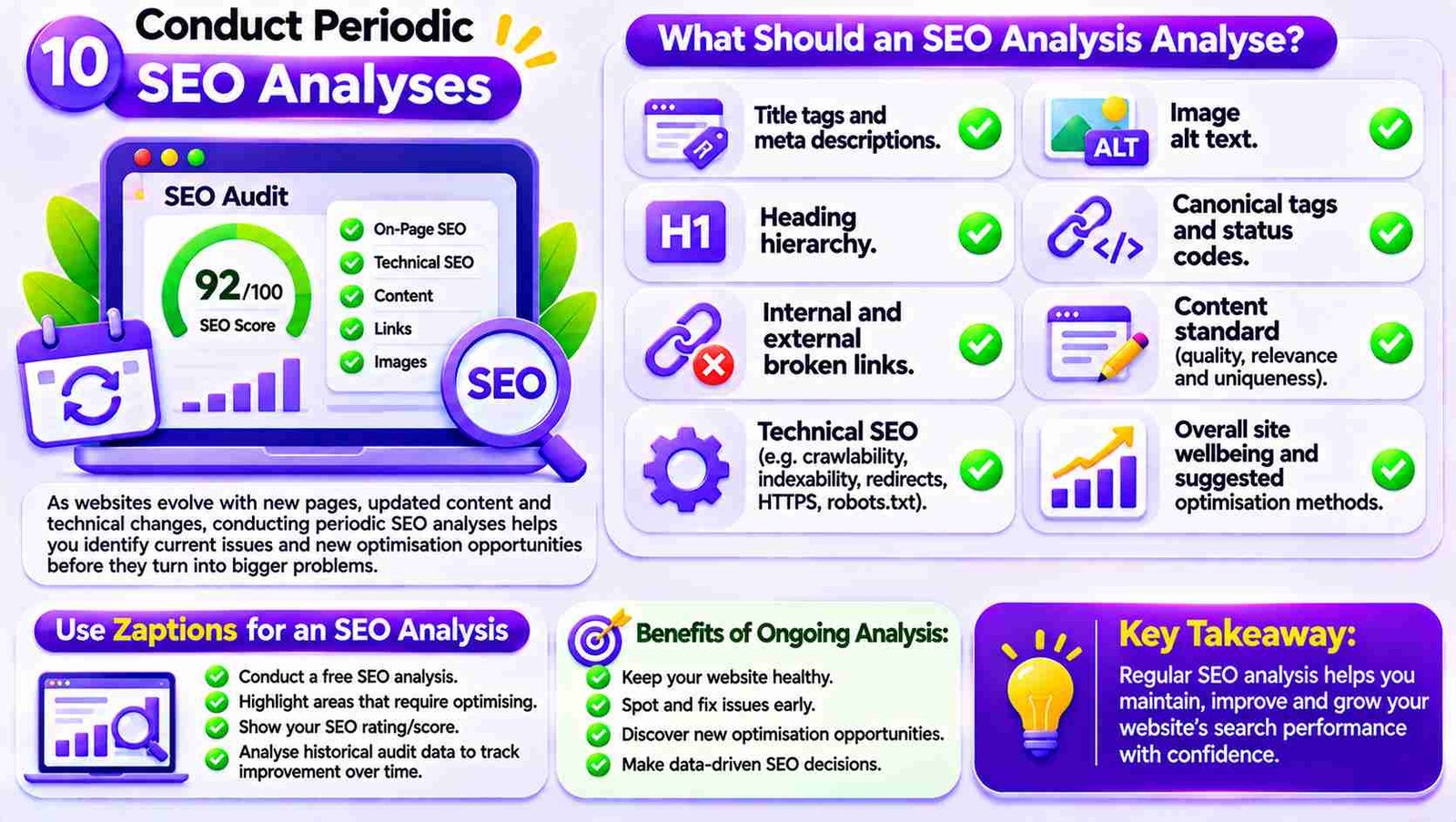
As time progresses, websites evolve with fresh pages, restructured URLs and altered and new content. Technical settings can also change.
Conducting periodic analyses allows you to both pinpoint current issues and find further areas on which you can optimise your site, in a timely manner and so before more significant problems arise.
What should an SEO analysis analyse?
- Title tags and meta descriptions.
- Heading hierarchy.
- Internal and external broken links.
- Technical SEO.
- Image alt text.
- Canonical tags and status codes.
- Content standard.
- Plus, overall site wellbeing and suggested optimisation methods.
Using Zaptions you can conduct a free SEO analysis. It can then highlight areas that require optimising and provide information regarding your SEO rating. Historical audit data can also be analysed so that you can assess how well your site has been optimised over time.
Ongoing analysis therefore enables you to continue to look after your site and base your SEO strategies upon sound knowledge.
Quick Website SEO Checklist
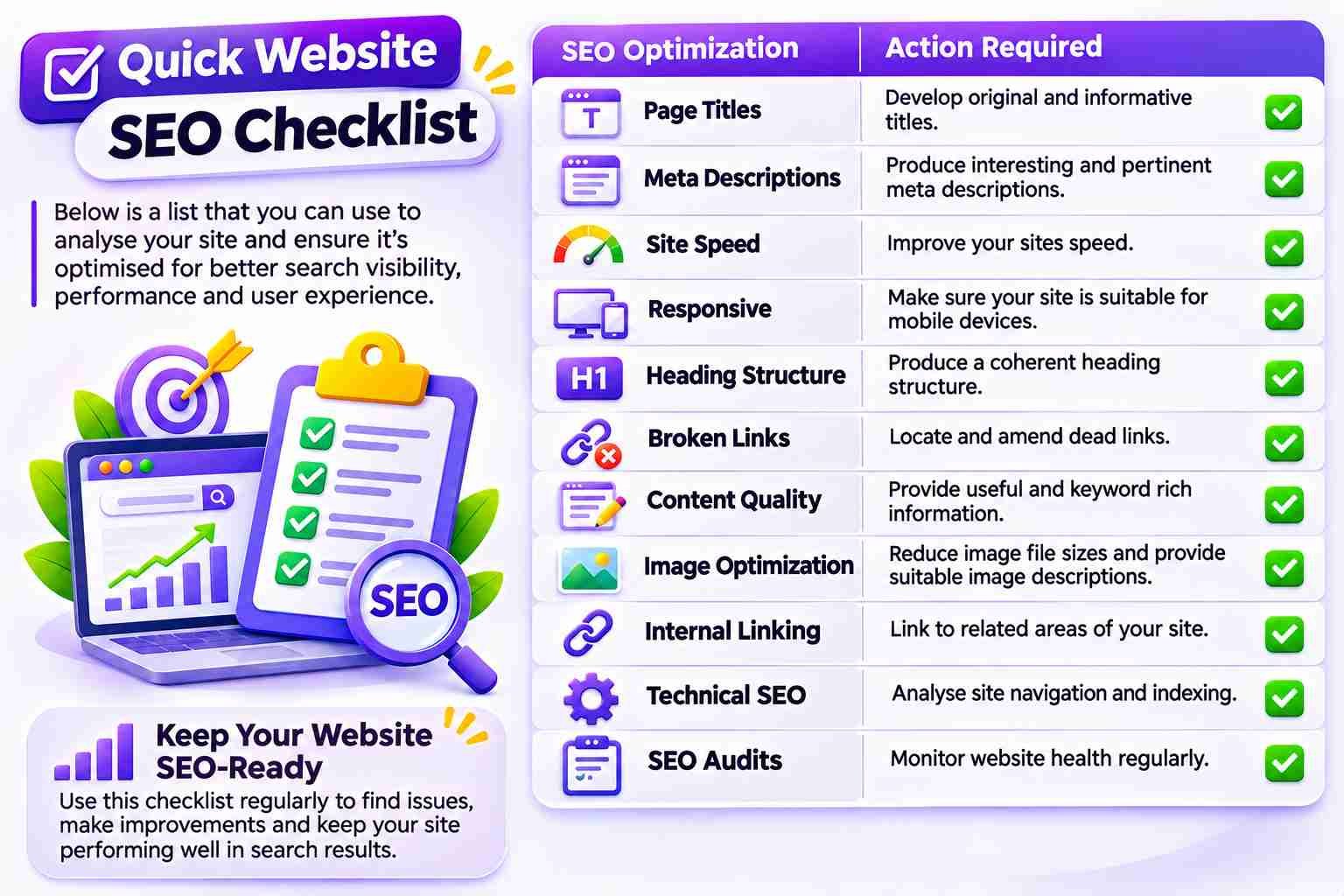
Below is a list that you can use to analyse your site.
| SEO Optimization | Action Required |
|---|---|
| Page Titles | Develop original and informative titles |
| Meta Descriptions | Produce interesting and pertinent meta descriptions |
| Site Speed | Improve your sites speed |
| Responsive | Make sure your site is suitable for mobile devices |
| Heading Structure | Produce a coherent heading structure |
| Broken Links | Locate and amend dead links |
| Content Quality | Provide useful and keyword rich information |
| Image Optimization | Reduce image file sizes and provide suitable image descriptions |
| Internal Linking | Link to related areas of your site |
| Technical SEO | Analyse site navigation and indexing |
| SEO Audits | Monitor website health regularly |
Frequently Asked Questions
What is a website SEO checklist?
A SEO checklist allows you to systematically optimise your website. It enables you to analyse and enhance areas such as technicality, content and user experience so that it can be easily found by search engines.
How regularly should I carry out a SEO analysis?
It is advised that you complete this at least monthly. If your website is continually updated or is experiencing regular technical changes then a weekly analysis may be appropriate.
Can I analyse my websites’ SEO for free?
Yes. Free resources such as Zaptions, Google Search Console and Google PageSpeed Insights can all be used to analyse your site and highlight areas requiring improvement.
What are the most typical errors affecting a website’s SEO?
Common SEO errors include: incomplete meta data; dead links; slow page speed; non-ideal mobile responsiveness; duplication; no image alternative text; and problems with indexing.
How long will it take to see the impact of my SEO efforts?
Depending on your sites’ quality, how competitive your sector is, the extent of current issues, and how well you are optimising your website, it can take several weeks or even months to visibly observe the effects of SEO.
Conclusion
Implementing a SEO checklist is a highly effective method of ensuring good website management and boosting organic search presence. Prioritising technical, content related and speed aspects as well as optimising for mobile devices and routinely analysing your site will underpin good future development.
Good website management requires ongoing observation, issue identification and modification of your SEO approach to suit the changing nature of your site.
Still not sure where to begin?
Complete a complimentary SEO analysis using Zaptions and uncover areas which could be enhanced. From here, progress towards further improved search engine presence.
Latest Posts
-
-

Robots.txt Generator A Complete Guide
Nov 14, 2026 -

Free Broken Link Checker Guide with Zaptions
Nov 03, 2026 -
How SERP Optimization Improves Google Rankings
Oct 29, 2026 -
How Backlinks Help Improve SEO Rankings
Oct 27, 2026